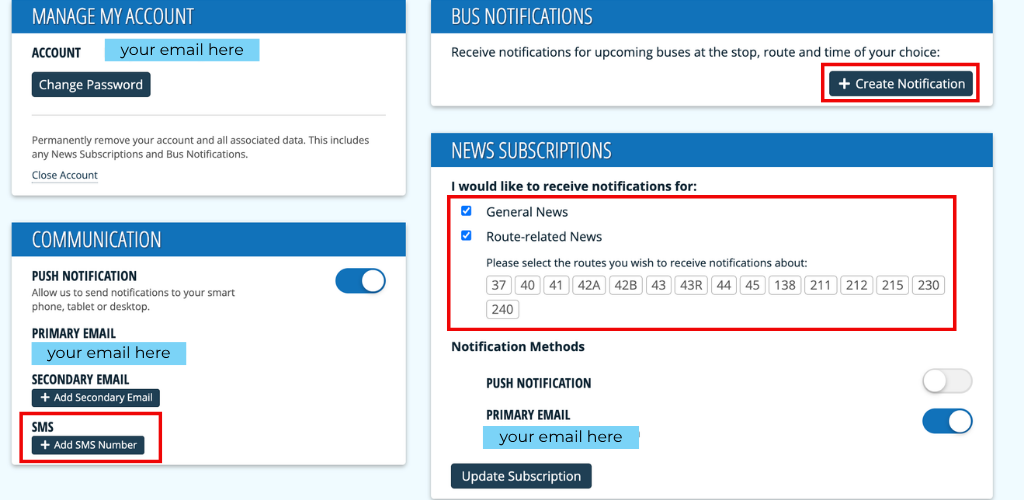
Yolobus Alerts
Sign up to receive text or email alerts when there are schedule changes, unforeseen delays, or emergencies related to Yolobus service.
How to Sign Up for Yolobus Alerts
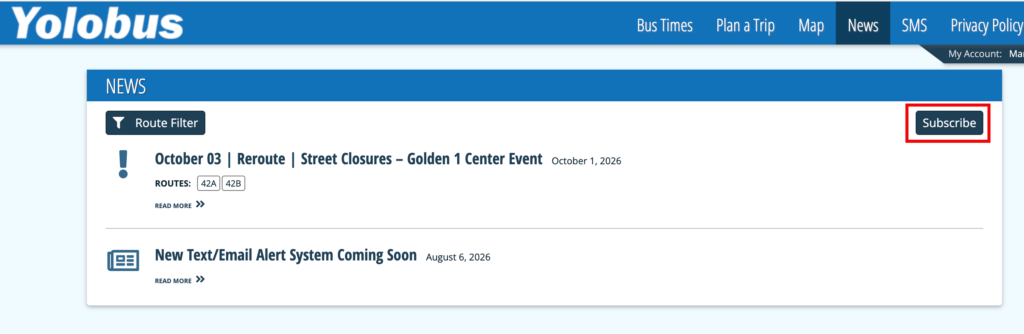
Visit the Yolobus Alerts Portal and click “Subscribe.”
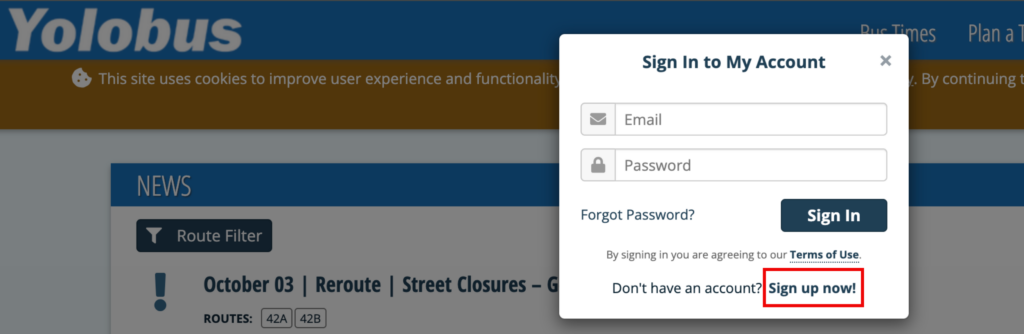
Click “Sign Up Now” on the popup.
Enter your email address and password, accept the Terms of Use, and click “Register.”
Click the link sent to your email to verify your email address. Once you do this, you can log in and customize your Account page. This page is where you can enter your mobile phone number for SMS text alerts, select the specific routes you are interested in, enable push notifications, and create notifications for real-time bus information.